Inventory
On the shelf
Know what is on the shelf without counting it twice.
1 list for what you sell and what you use at the back bar.
- Products
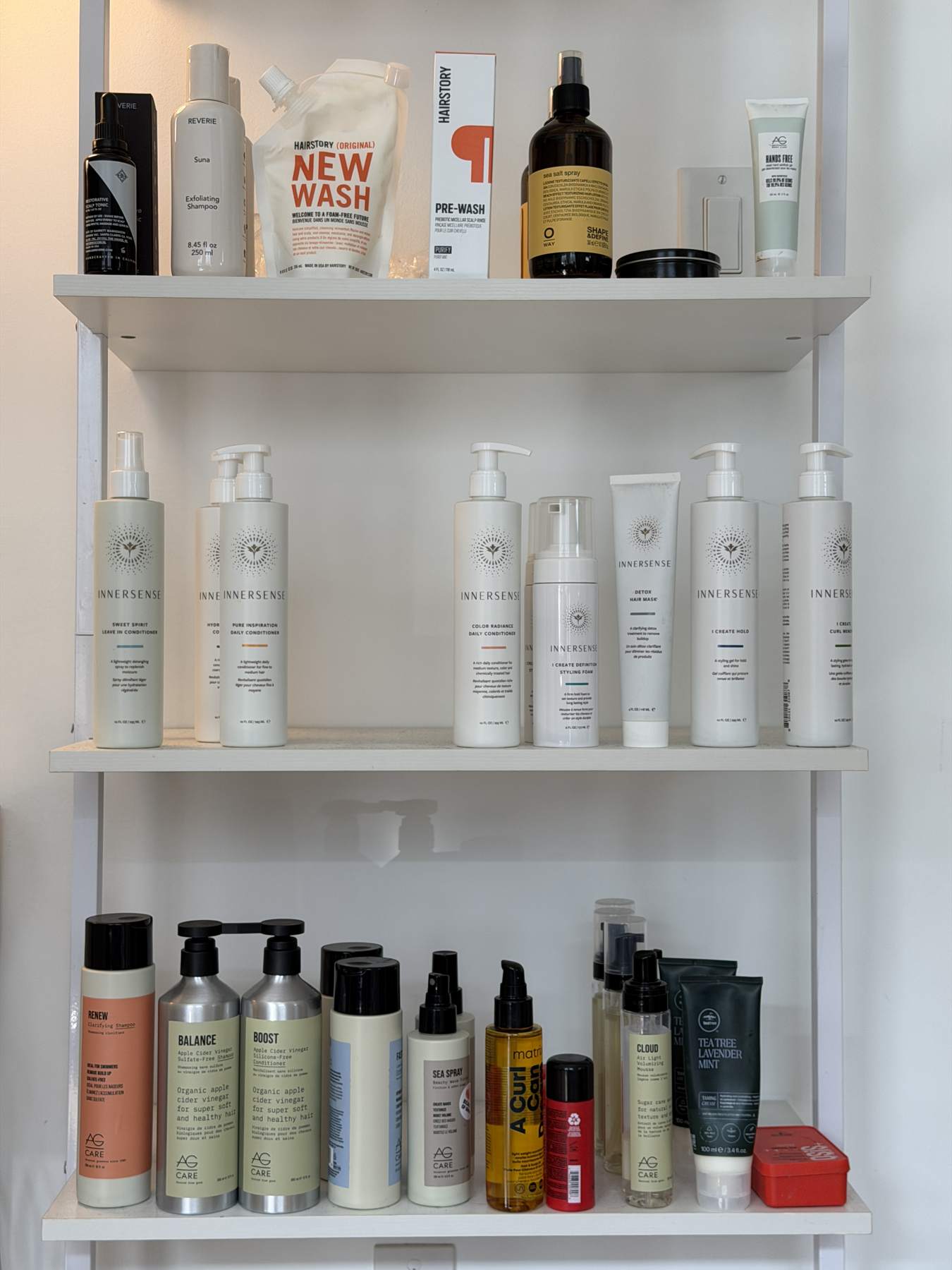
- Organised by brand.
- Counts
- Run an inventory count to check your levels.
- Back bar
- Move stock into back-bar use and track it.
- Barcodes
- Scan a product’s barcode to save its code.
- Reordering
- Set the stock level you want to keep.
14 days free · no credit card
- Since 2010
- built by salon people
- 600+
- salons
- 1,500+
- stylists
- 8.5M+
- bookings
- $650M+
- in services booked
A full shelf is not the problem.
Chaos is.
How stock moves
From the delivery box to the shelf to the client.
-
01
Set up
Add your products once.
List each product under its brand, and scan its barcode to save the code.
-
02
Sell
Ring it up at checkout.
Add a product to any sale, or scan it. Retail sales land in your reports.
-
03
Use
Take it to the back bar.
When a retail bottle becomes a back-bar bottle, move it over so your retail numbers stay honest.
-
04
Count
Check the shelf against the list.
Run an inventory count whenever you like, to confirm what is really there.
What you can see
Stock questions, answered.
- What is in stock
- Check what you have without walking to the shelf.
- What to reorder
- Set the level you want to keep for a product, and reorder against it.
- Back-bar use
- How much product the salon itself is going through.
- Retail sales
- What sold, and retail as a share of your service sales.
- By brand
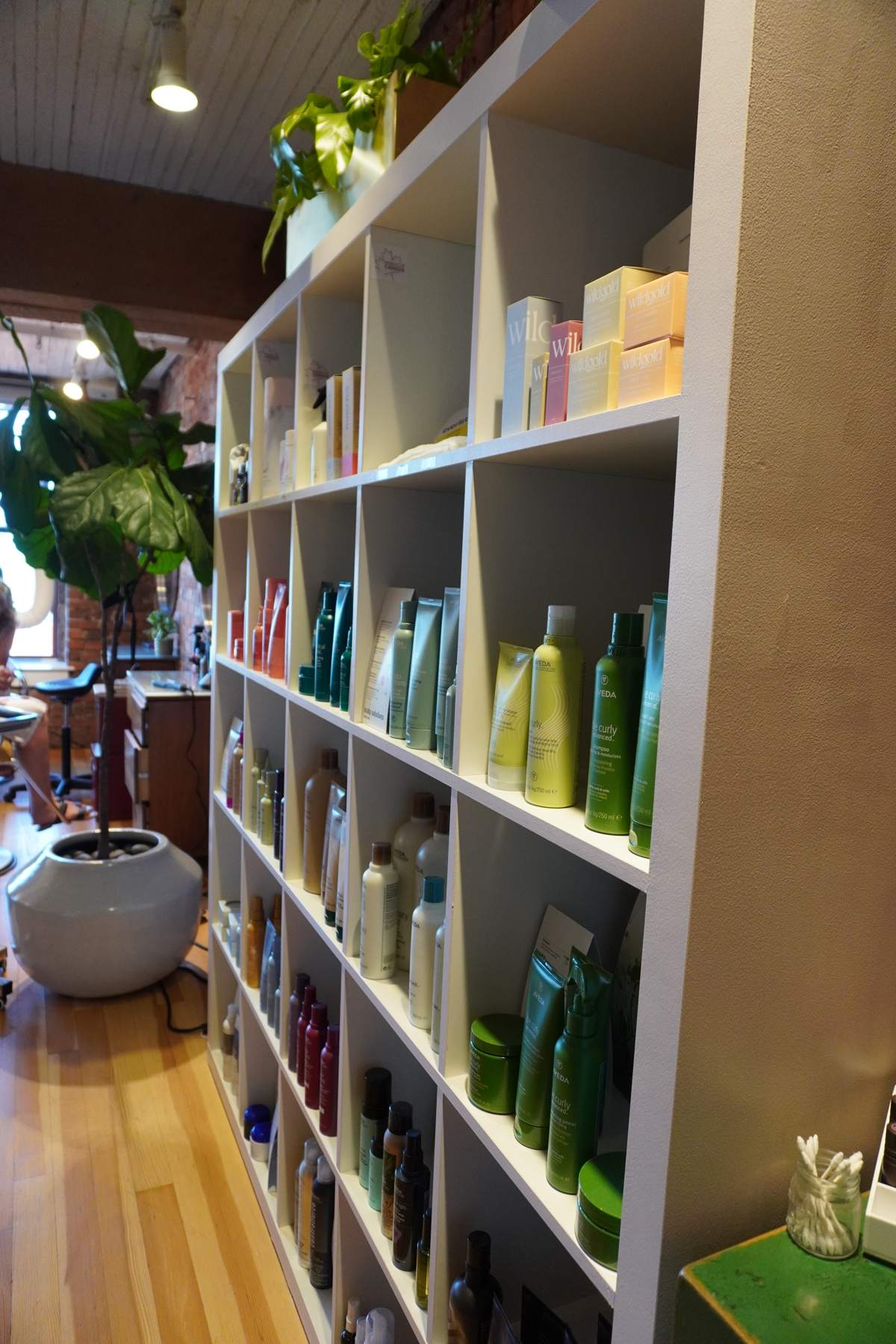
- Products grouped by the brands you carry.
- Product codes
- Each product can carry its barcode or a code of your own.
With the rest of the app
One product list. Used everywhere.
- Checkout
- The products you stock are the products you sell. There is no second list to keep in step.
- Reports
- Retail sales, back-bar use and inventory show up in your reports.
- Client record
- When a sale is linked to a client, you can see what they bought.
- Your terminal
- Take the card on your own terminal and the sale and the stock are still recorded.
See everything in the plan on the pricing page.
From behind the chair
“It helps me manage inventory, track sales, and provides financial breakdowns and insights.”
The No-Trap Promise
Stock tracking should live where the sales do.
No add-on.
Inventory is part of the app, not something you bolt on later.
No second system.
Retail and back-bar stock sit in the same list you sell from.
No guesswork.
Run a count whenever you want to check the list against the shelf.
Any terminal.
Stock is tracked whether you use our card payments or your own terminal.
See the full pricing and card processing rates.
Questions
What salons ask about stock.
Is inventory included?
Yes. Products and inventory are part of the salonMonster app. Plans start at $30 a month for one person.
Can I track back-bar products separately from retail?
Yes. You can move stock into back-bar use and track how much the salon is using.
Can I use barcodes?
Yes. Scan a product’s barcode to save it on the product, then scan the product at checkout.
Will it tell me what to reorder?
You set the stock level you want to keep for a product, so you can see when you are running under it.
How do I check that my numbers are right?
Run an inventory count. You count the shelf and compare it with what salonMonster has on record.
Not ready to switch?
Product costs belong in your service prices. Check them.
Our free pricing calculator works out the minimum price for every service on your menu, and a recommended price you can defend.
Count it once. Trust the number.
Start your free 14-day trial. No credit card, no contract. We'll bring your clients and history over for free, and show you around ourselves.
Or reach a human directly: [email protected] · 1-800-901-1001